Situation
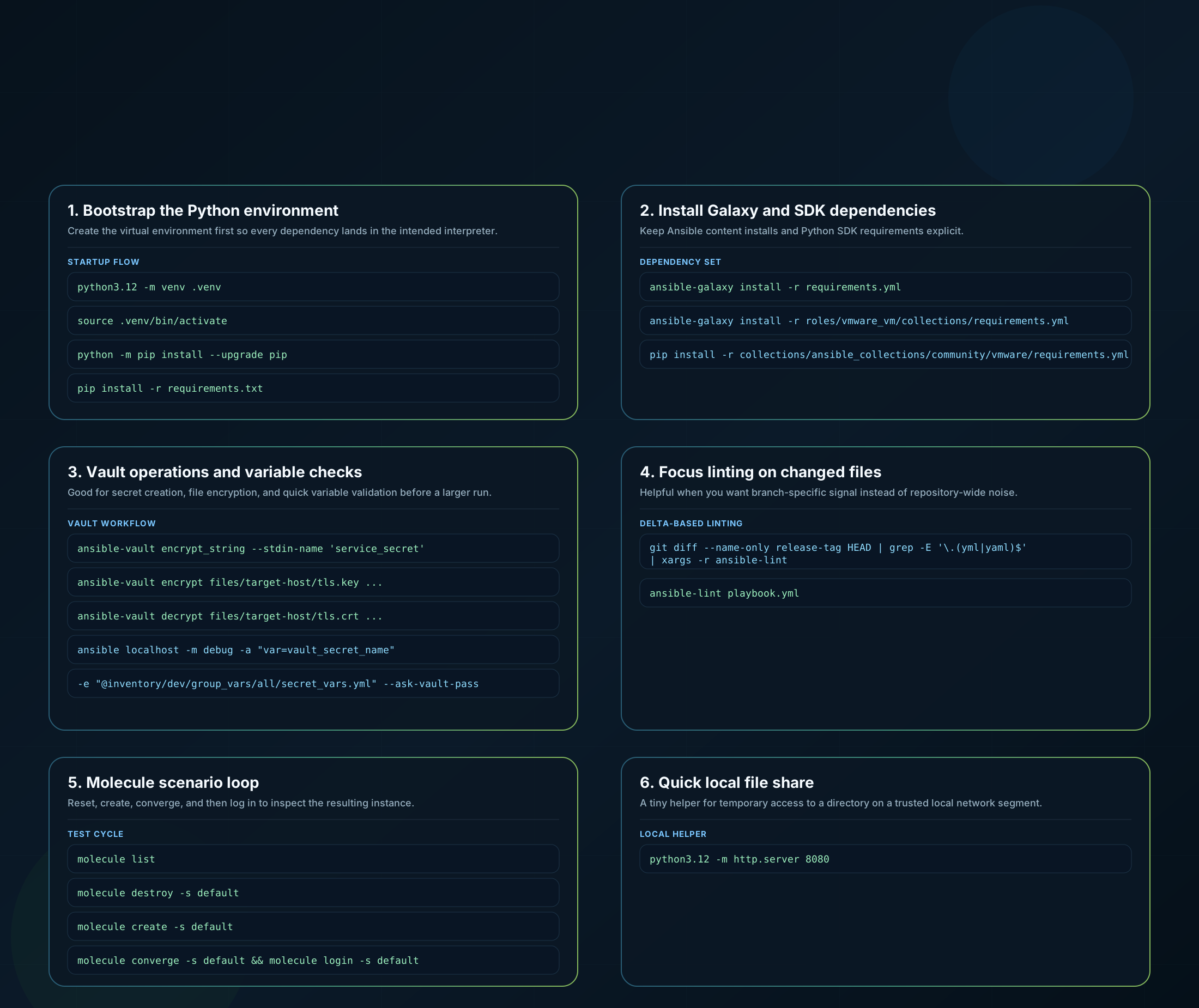
This is the companion post to the Linux ops cheatsheet. It focuses on the automation commands from the same notes: encrypting secrets, debugging Vault variables safely, preparing a Python environment, installing Ansible dependencies, linting changes, and stepping through Molecule scenarios.
All examples are sanitized. Secret names, hostnames, inventory paths, and repository-specific directories are placeholders.
Placeholder legend
target-host: a generic host directory underfiles/service_secret: any variable name passed into Vaultinventory/dev/group_vars/all/secret_vars.yml: an example inventory path that is safe to publishrelease-tag: any Git ref you want to compare againstdefault: a generic Molecule scenario name
1. Bootstrap a Python environment
I normally start here when I clone a repository or come back to one after a while.
python3.12 -m venv .venv
source .venv/bin/activate
python -m pip install --upgrade pip
pip install -r requirements.txt
Parameter guide:
python3.12 -m venv .venv: creates an isolated virtual environment in the.venvdirectory.source .venv/bin/activate: activates that environment in the current shell session.python -m pip install --upgrade pip: upgradespipusing the interpreter from the active virtual environment.pip install -r requirements.txt: installs repository-level Python dependencies from the requirements file.
2. Install Ansible and collection dependencies
This is the group I use after the virtual environment is ready.
ansible-galaxy install -r requirements.yml
ansible-galaxy install -r roles/vmware_vm/collections/requirements.yml

pip install -r collections/ansible_collections/community/vmware/requirements.yml
pip install -r collections/ansible_collections/vmware/vmware/requirements.yml
Parameter guide:
ansible-galaxy install -r requirements.yml: installs roles and collections declared at the repository root.ansible-galaxy install -r roles/.../requirements.yml: installs role-specific or nested collection requirements.pip install -r collections/.../requirements.yml: installs Python dependencies required by those collections, which is useful when a collection relies on SDKs that are not bundled automatically.
3. Encrypt, decrypt, and inspect Vault content
These are the commands I keep nearby when I need to create or verify encrypted content without pasting secrets into unsafe places.
ansible-vault encrypt_string --stdin-name 'service_secret'

ansible-vault encrypt files/target-host/tls.key \
  --vault-password-file ~/.secrets/ansible-vault/platform \
  --encrypt-vault-id default

ansible-vault decrypt files/target-host/tls.crt \
  --vault-password-file ~/.secrets/ansible-vault/platform

ansible localhost -m debug -a "var=vault_secret_name" \
  -e "@inventory/dev/group_vars/all/secret_vars.yml" \
  --ask-vault-pass
Parameter guide:
encrypt_string --stdin-name 'service_secret': reads a value from standard input and emits encrypted YAML under that variable name.encrypt files/target-host/tls.key: encrypts an existing file in place.--vault-password-file: points Ansible Vault to a local password helper or password file.--encrypt-vault-id default: chooses the Vault ID label when a repository uses more than one Vault identity.ansible localhost -m debug -a "var=vault_secret_name": renders a single variable so you can confirm the decrypted value path is correct.-e "@inventory/.../secret_vars.yml": injects a variable file into the ad-hoc run.--ask-vault-pass: prompts for the Vault password interactively instead of reading it from disk.
4. Lint the files that actually changed
This is one of the most useful snippets from day-to-day repository work because it keeps feedback focused.
git diff --name-only release-tag HEAD | grep -E '\.(yml|yaml)$' | xargs -r ansible-lint

ansible-lint playbook.yml
Parameter guide:
git diff --name-only release-tag HEAD: lists only file names changed between a reference tag and the currentHEAD.grep -E '\.(yml|yaml)$': keeps only YAML files.xargs -r ansible-lint: runsansible-lintonly when at least one file matched.ansible-lint playbook.yml: runs a direct lint check against a single file when you already know the target.
5. Walk a Molecule scenario from clean state to debug session
This is the scenario loop I use most often.
molecule list
molecule destroy -s default
molecule create -s default
molecule converge -s default
molecule login -s default
Parameter guide:
molecule list: shows the scenarios defined for the current role or collection.destroy -s default: removes the scenario instance so you can restart from a clean state.create -s default: provisions the scenario infrastructure.converge -s default: applies the role or playbook under test.login -s default: opens a shell inside the created instance for inspection and debugging.
6. Share a local directory quickly
For quick troubleshooting, file pickup, or ad-hoc transfers inside a safe network segment:
python3.12 -m http.server 8080Parameter guide:
-m http.server: starts Python’s built-in static file server.8080: binds the server to port8080; replace it if that port is already in use.
Result
This companion post covers the automation half of the original command list with the same rules as the Linux cheatsheet: sanitize every identifier, keep the examples practical, and explain the flags that make the command reusable instead of mysterious.
If I were onboarding someone into a new Ansible repository, this is the page I would hand them together with the Linux ops cheatsheet.