Situation
During infrastructure migrations, system harding, or security audits, you often need to figure out exactly what a specific technical user or service account has access to. Manually checking id, sudo -l, and running find commands for multiple users is tedious.
I wrote a quick Bash script that automates this. It iterates through a defined array of users and generates a report detailing their group memberships, any directories they own within a specific path, and their sudo privileges.
The Script
Create a file named user_permissions_mapping.sh and make it executable (chmod +x user_permissions_mapping.sh).
#!/bin/bash

# Define the users you want to audit
USERS=("svc_scheduler" "svc_ci" "svc_worker")

# Define the search path for directory ownership (e.g., "/opt/applications" or "/")
SEARCH_PATH="/opt/applications"

echo "================================================================"
echo "ADVANCED FOLDER PERMISSIONS AUDIT - $(date)"
echo "HOST: $(hostname) | SEARCH PATH: $SEARCH_PATH"
echo "================================================================"

for user in "${USERS[@]}"; do
    echo -e "
>>> ANALYZING USER: $user"

    # Check if the user exists
    if ! id "$user" &>/dev/null; then
        echo "[ERROR] User does not exist."
        continue
    fi

    # 1. Group Membership
    echo "[Groups]"
    groups "$user"

    # 2. Owned Directories Only
    echo "[Owned Directories in $SEARCH_PATH]"
    # -type d ensures ONLY directories are returned
    # -maxdepth 2 limits the search depth for performance
    find "$SEARCH_PATH" -maxdepth 2 -type d \( -user "$user" -o -group "$user" \) -ls 2>/dev/null | awk '{print $3, $5, $6, $11}'

    # 3. Sudo Access
    echo "[Sudo Access]"
    if [ "$EUID" -ne 0 ]; then
        echo "Run script as root to see sudo rules for other users."
    else
        # Suppress the "not allowed" standard output to keep the report clean
        sudo -l -U "$user" | grep -v "not allowed" || echo "No sudo privileges."
    fi

    # 4. Account Info
    echo "[Account Details]"
    getent passwd "$user" | awk -F: '{print "Home: "$6" | Shell: "$7}'

    echo "----------------------------------------------------------------"
done
How It Works
- Users Array: You simply add the usernames you want to check into the
USERSarray. - Groups: It uses the standard
groupscommand to list all groups the user belongs to. - Directory Search: It uses
findto look for directories (-type d) owned by the user or the user’s primary group. I added-maxdepth 2to prevent the script from taking forever by crawling the entire filesystem recursively. It formats the output nicely usingawk. - Sudo Rules: It utilizes
sudo -l -U <user>to list the sudo rules. Note that the script must be run asrootfor this specific check to work across different users. - Basic Info: It grabs the home directory and default shell from
/etc/passwd.
This script provides a clean, readable audit trail that you can easily pipe into a text file for documentation.
Architecture Diagram
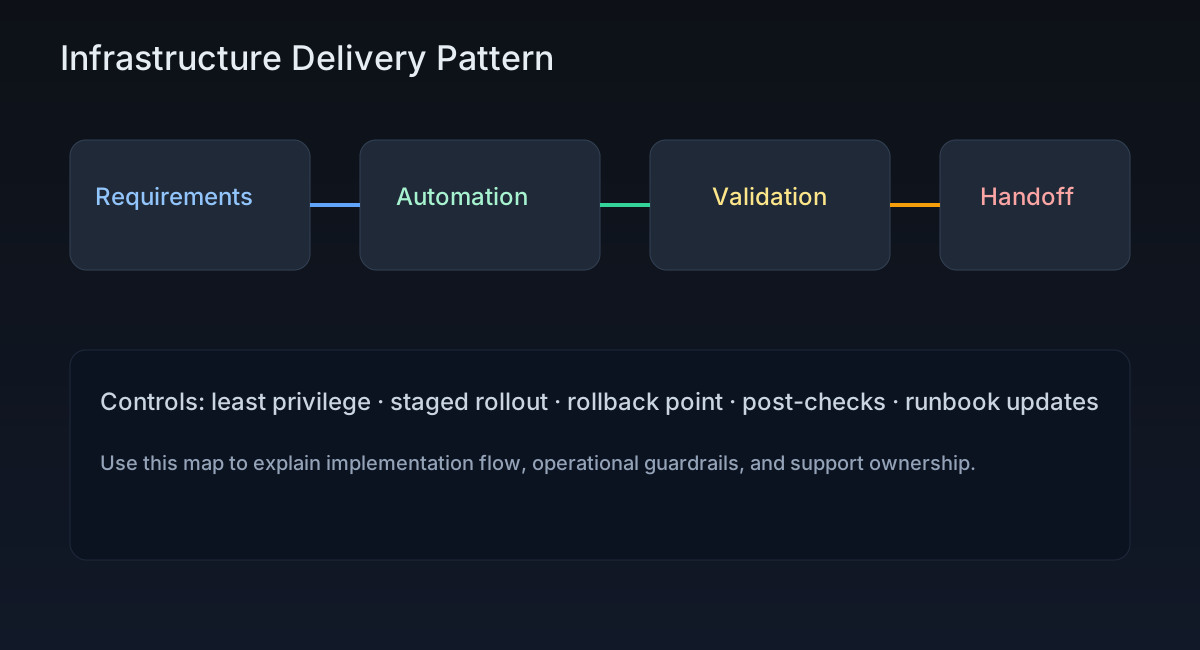
This diagram supports Automating Linux User Permission Audits with Bash and highlights where controls, validation, and ownership boundaries sit in the workflow.
Post-Specific Engineering Lens
For this post, the primary objective is: Apply infrastructure practices with measurable validation and clear rollback ownership.
Implementation decisions for this case
- Chose a staged approach centered on bash to avoid high-blast-radius rollouts.
- Used scripting checkpoints to make regressions observable before full rollout.
- Treated security documentation as part of delivery, not a post-task artifact.
Practical command path
These are representative execution checkpoints relevant to this post:
echo "define baseline"
echo "apply change with controls"
echo "validate result and handoff"
Validation Matrix
| Validation goal | What to baseline | What confirms success |
|---|---|---|
| Functional stability | service availability, package state, SELinux/firewall posture | systemctl --failed stays empty |
| Operational safety | rollback ownership + change window | journalctl -p err -b has no new regressions |
| Production readiness | monitoring visibility and handoff notes | critical endpoint checks pass from at least two network zones |
Failure Modes and Mitigations
| Failure mode | Why it appears in this type of work | Mitigation used in this post pattern |
|---|---|---|
| Scope ambiguity | Teams execute different interpretations | Write explicit pre-check and success criteria |
| Weak rollback plan | Incident recovery slows down | Define rollback trigger + owner before rollout |
| Insufficient telemetry | Failures surface too late | Require post-change monitoring checkpoints |
Recruiter-Readable Impact Summary
- Scope: deliver Linux platform changes with controlled blast radius.
- Execution quality: guarded by staged checks and explicit rollback triggers.
- Outcome signal: repeatable implementation that can be handed over without hidden steps.