Situation
This document is the ultimate compilation of my daily operational commands. It merges traditional Linux sysadmin tasks like LVM resizing, user management, package checking, PostgreSQL fixes, and certificate generation with infrastructure-as-code tasks like Ansible Vault, Python environments, Molecule testing, and repeated playbook execution patterns.
I also reviewed a separate notebook export of daily notes and folded in the command patterns that actually show up in live work: repeated ansible-playbook runs, PostgreSQL archive settings, SELinux relabeling, getent passwd verification, silent installer execution, firewall inspection, traffic capture, and basic performance triage, all rewritten with fictional paths and data.
Every command listed here is sanitized using generic placeholders like target-host, svc_user, vg_main, and app.example.internal, so it is safe to publish and share publicly.
Visual poster set
Instead of forcing everything into one unreadable image, I split the command set into four large posters that work better for previews, carousels, and sharing.
1. Storage and access
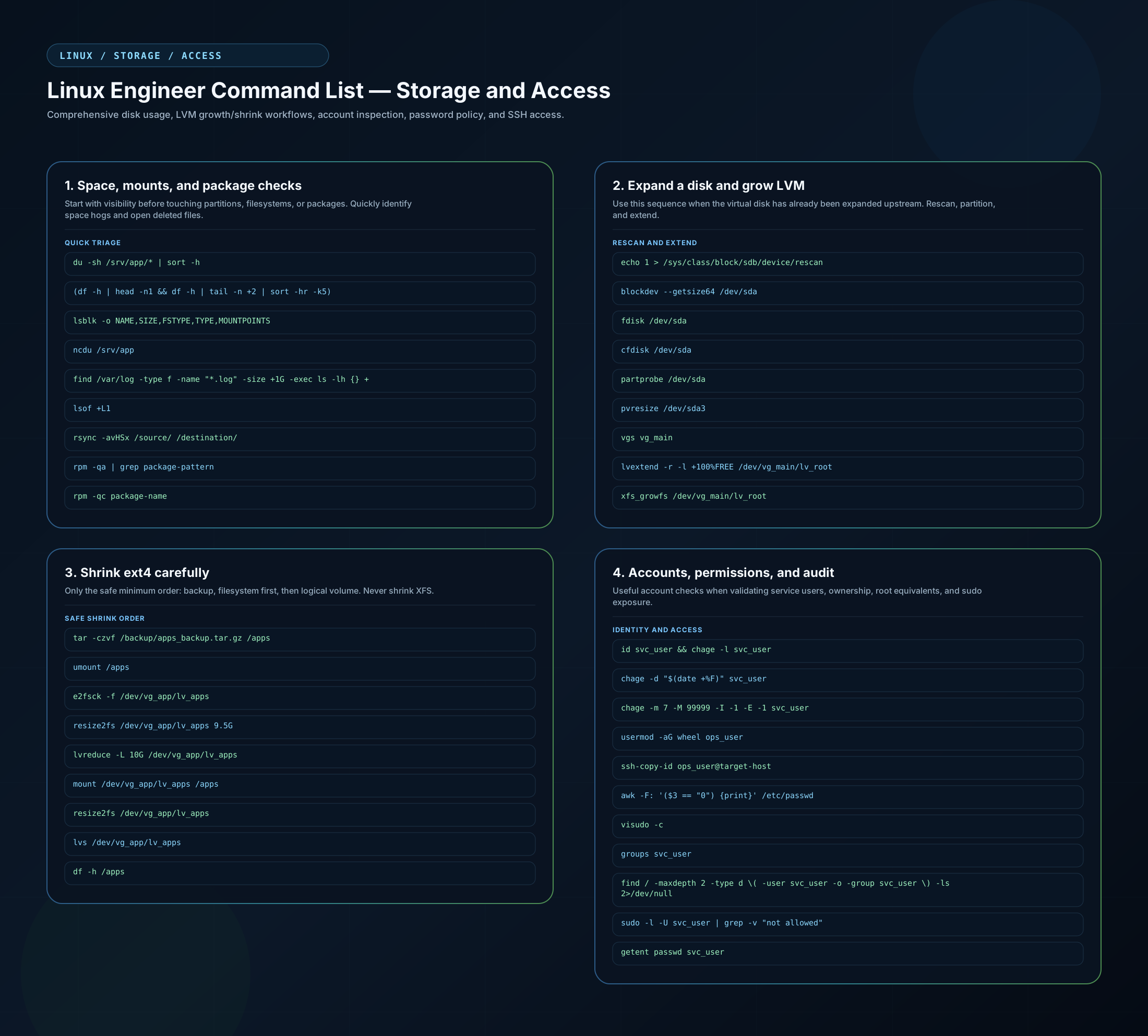
Open the storage and access SVG poster
2. Python, Ansible, and database operations
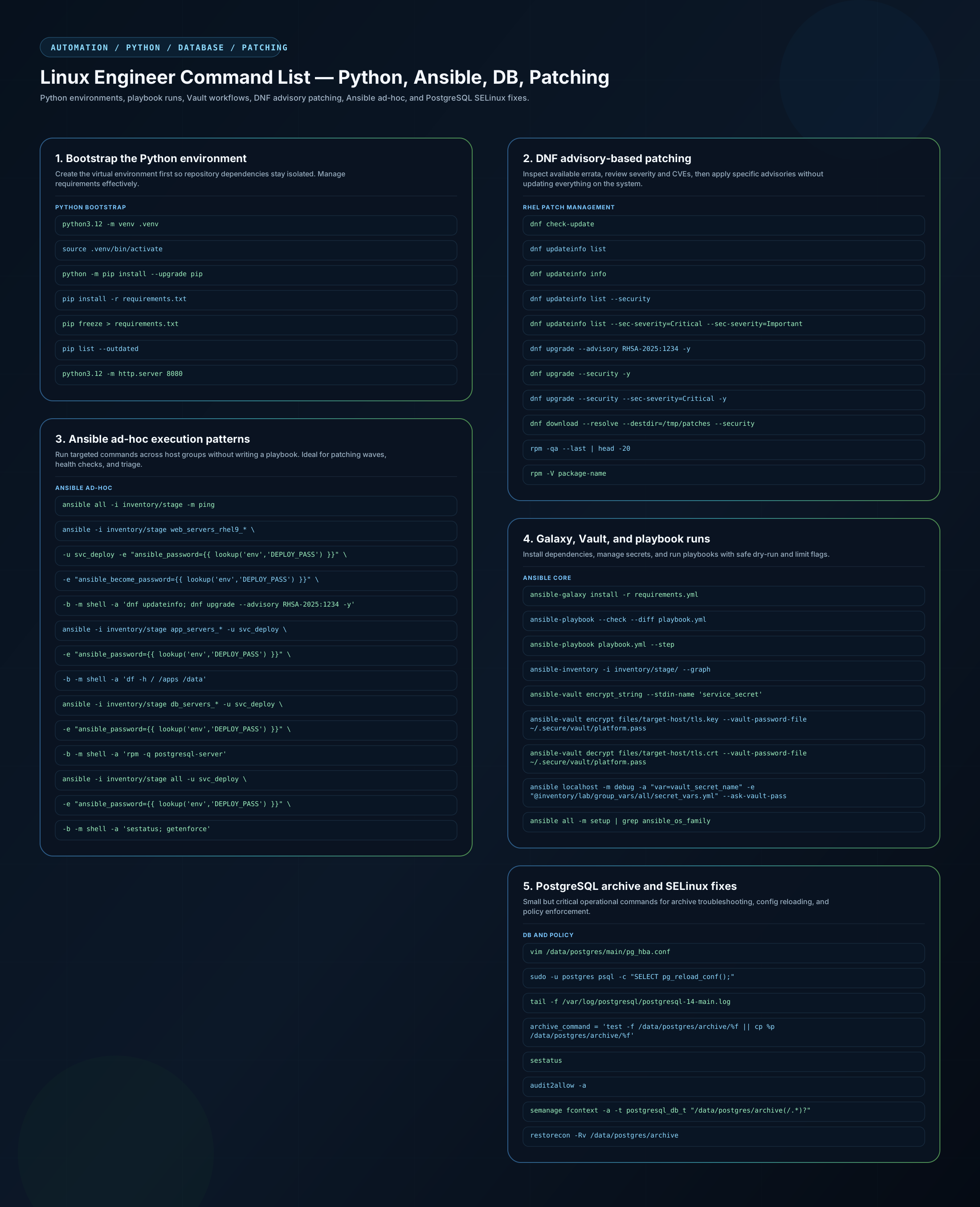
Open the Python, Ansible, and DB SVG poster
3. Testing, Git, and utilities
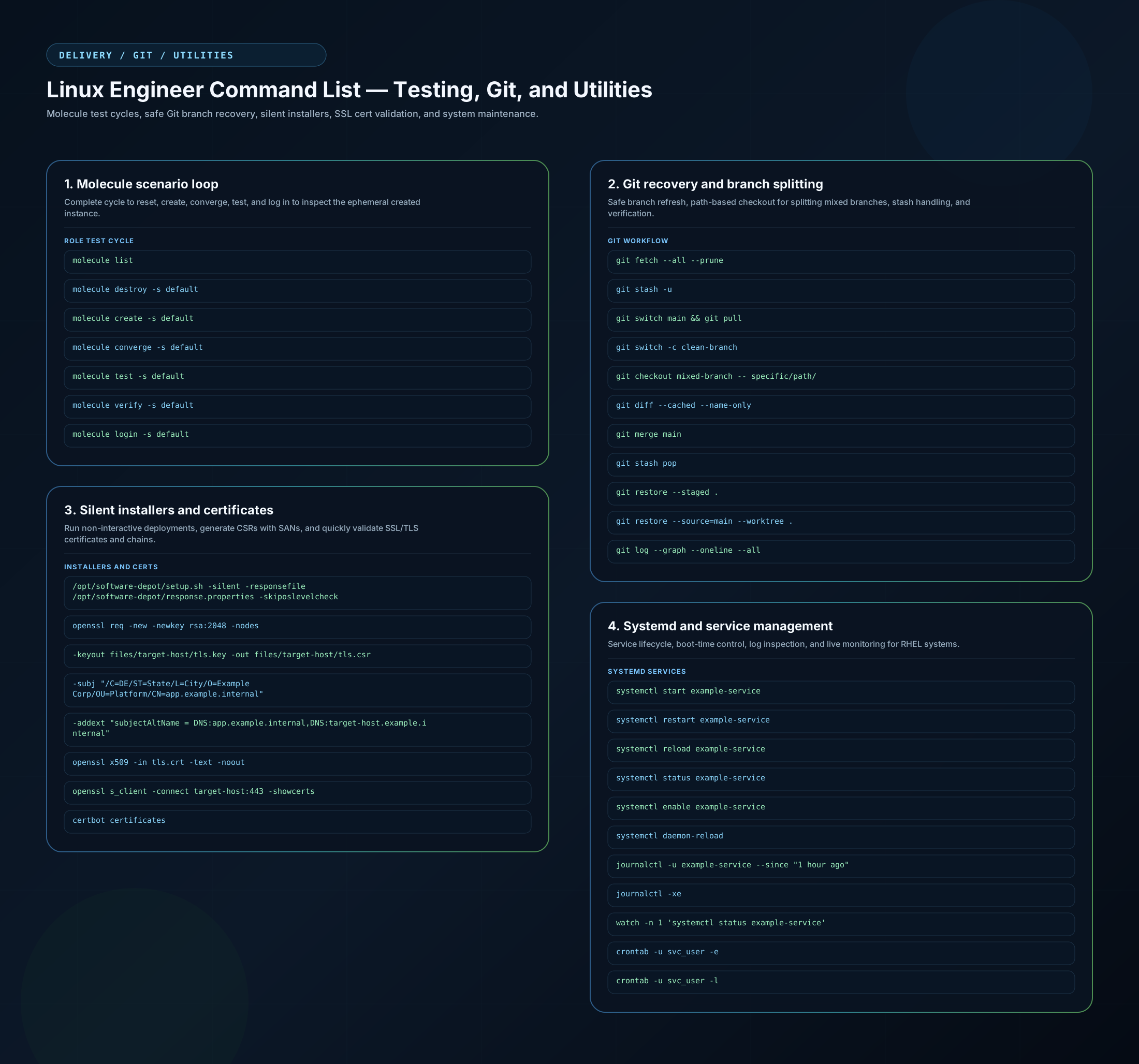
Open the testing, Git, and utilities SVG poster
4. Networking and performance
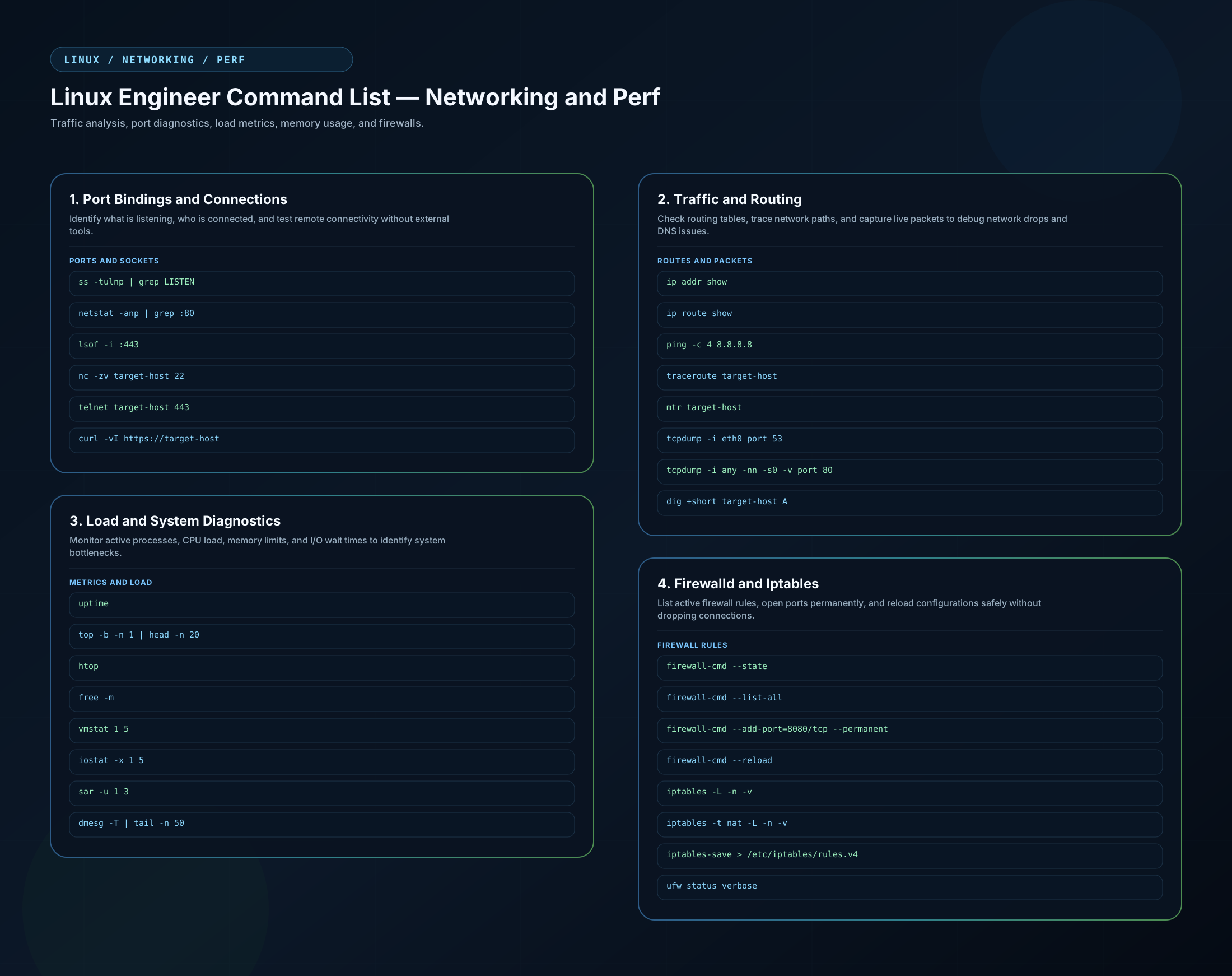
Open the networking and performance SVG poster
1. Storage and filesystem management
Before touching partitions, start with visibility. The commands below help identify large directories, crowded filesystems, deleted-but-open files, and current block device layout.
# Directory usage sorted by size
du -sh /srv/app/* | sort -h

# Filesystem usage sorted by percentage used
(df -h | head -n1 && df -h | tail -n +2 | sort -hr -k5)

# Block devices and mountpoints
lsblk -o NAME,SIZE,FSTYPE,TYPE,MOUNTPOINTS

# Interactive disk usage view
ncdu /srv/app

# Large log files
find /var/log -type f -name "*.log" -size +1G -exec ls -lh {} +

# Deleted files still held open by a process
lsof +L1
Expanding LVM without reboot
When the underlying hypervisor disk is already expanded, this is a practical rescan and growth sequence.
echo 1 > /sys/class/block/sdb/device/rescan
blockdev --getsize64 /dev/sda
fdisk /dev/sda   # or cfdisk /dev/sda
partprobe /dev/sda
pvresize /dev/sda3
vgs vg_main
lvextend -r -l +100%FREE /dev/vg_main/lv_root
xfs_growfs /dev/vg_main/lv_root
Shrinking ext4 carefully
Shrinking needs a stricter order than growth. Backup first, resize the filesystem, then reduce the logical volume.
tar -czvf /backup/apps_backup.tar.gz /apps
umount /apps
e2fsck -f /dev/vg_app/lv_apps
resize2fs /dev/vg_app/lv_apps 9.5G
lvreduce -L 10G /dev/vg_app/lv_apps
mount /dev/vg_app/lv_apps /apps
resize2fs /dev/vg_app/lv_apps
lvs /dev/vg_app/lv_apps
df -h /apps
2. Accounts, permissions, and audit
Managing service accounts is not just about existence. In practice, it also means checking password aging, sudo exposure, group membership, root-equivalent accounts, and owned directories.
id svc_user && chage -l svc_user
chage -d "$(date +%F)" svc_user
chage -m 7 -M 99999 -I -1 -E -1 svc_user
usermod -aG wheel ops_user
ssh-copy-id ops_user@target-host
awk -F: '($3 == "0") {print}' /etc/passwd
visudo -c
groups svc_user
find / -maxdepth 2 -type d \( -user svc_user -o -group svc_user \) -ls 2>/dev/null
sudo -l -U svc_user | grep -v "not allowed"
getent passwd svc_user
3. Python virtual environments
Always isolate Python dependencies when bootstrapping a repository, then verify drift and expose a quick file share when needed.
python3.12 -m venv .venv
source .venv/bin/activate
python -m pip install --upgrade pip
pip install -r requirements.txt
pip freeze > requirements.txt
pip list --outdated
python3.12 -m http.server 8080
4. Ansible automation and secrets
These are the commands that tend to reappear during delivery windows, break/fix sessions, and repo maintenance.
Common execution patterns
ansible-playbook --check --diff playbook.yml
ansible-playbook playbook.yml --step
ansible-inventory -i inventory/stage/ --graph
ansible-playbook -i inventory/lab/ playbooks/platform-bootstrap.yml --limit='target-host' -t app_db_client
ansible-playbook -i inventory/stage/ playbooks/platform-bootstrap.yml --limit='target-host' -t common_usersetup,common_filesystems,common_rhel,common_security
ansible-playbook -i inventory/stage/ playbooks/app_postgresql_prereqs.yml --limit='target-host'
Dependencies, Vault, and ad-hoc checks
ansible-galaxy install -r requirements.yml
ansible-galaxy install -r roles/platform_role/collections/requirements.yml
pip install -r collections/ansible_collections/community/general/requirements.yml
ansible-vault encrypt_string --stdin-name 'service_secret'
ansible-vault encrypt files/target-host/tls.key --vault-password-file ~/.secure/vault/platform.pass --encrypt-vault-id default
ansible-vault rekey files/target-host/tls.key
ansible-vault decrypt files/target-host/tls.crt --vault-password-file ~/.secure/vault/platform.pass
ansible localhost -m debug -a "var=vault_secret_name" -e "@inventory/lab/group_vars/all/secret_vars.yml" --ask-vault-pass
ansible all -m ping -i inventory/lab/
ansible all -m setup | grep ansible_os_family
5. PostgreSQL and SELinux operational fixes
These are the smaller but critical commands that appear during archive failures, policy denials, and config reload troubleshooting.
vim /data/postgres/main/pg_hba.conf
sudo vi /data/postgres/main/postgresql.conf
sudo -u postgres psql -c "SELECT pg_reload_conf();"
tail -f /var/log/postgresql/postgresql-14-main.log
archive_command = 'test -f /data/postgres/archive/%f || cp %p /data/postgres/archive/%f'
sestatus
audit2allow -a
semanage fcontext -a -t postgresql_db_t "/data/postgres/archive(/.*)?"
restorecon -Rv /data/postgres/archive
getent passwd svc_user
6. Molecule testing loop
A fuller local role-testing cycle resets state, rebuilds the scenario, verifies behavior, and then drops into the instance when deeper inspection is needed.
molecule list
molecule destroy -s default
molecule create -s default
molecule converge -s default
molecule test -s default
molecule verify -s default
molecule login -s default
7. Git recovery and branch refresh
This is a safe refresh path when local work is in flight and main has moved.
git fetch --all --prune
git stash
git checkout main
git pull
git checkout feature-branch
git merge main
git stash pop
git add
git rebase -i HEAD~3
git log --graph --oneline --all
8. Certificates, installers, editor, and service fixes
These are the utility commands that are easy to forget until the exact moment they are needed.
/opt/software-depot/setup.sh -silent -responsefile /opt/software-depot/response.properties -skiposlevelcheck
openssl req -new -newkey rsa:2048 -nodes \
  -keyout files/target-host/tls.key \
  -out files/target-host/tls.csr \
  -subj "/C=DE/ST=State/L=City/O=Example Corp/OU=Platform/CN=app.example.internal" \
  -addext "subjectAltName = DNS:app.example.internal,DNS:target-host.example.internal"
openssl x509 -in tls.crt -text -noout
openssl s_client -connect target-host:443 -showcerts
certbot certificates:%s/\s\+$//e
:%s/old-token/new-token/gln -s /etc/opt/vendor/app /apps/app
readlink -f /apps/app
unlink /apps/app
crontab -u svc_user -e
crontab -u svc_user -l
watch -n 1 'systemctl status example-service'
journalctl -u example-service --since "1 hour ago"
grep CRON /var/log/syslog9. Networking and performance diagnostics
This is the set I reach for when the issue might be connectivity, DNS, firewalling, saturation, or load.
Ports and connections
ss -tulnp | grep LISTEN
netstat -anp | grep :80
lsof -i :443
nc -zv target-host 22
telnet target-host 443
curl -vI https://target-host
Routes and packet capture
ip addr show
ip route show
ping -c 4 8.8.8.8
traceroute target-host
mtr target-host
tcpdump -i eth0 port 53
tcpdump -i any -nn -s0 -v port 80
dig +short target-host A
Load, memory, and I/O checks
uptime
top -b -n 1 | head -n 20
htop
free -m
vmstat 1 5
iostat -x 1 5
sar -u 1 3
dmesg -T | tail -n 50
Firewalld and iptables
firewall-cmd --state
firewall-cmd --list-all
firewall-cmd --add-port=8080/tcp --permanent
firewall-cmd --reload
iptables -L -n -v
iptables -t nat -L -n -v
iptables-save > /etc/iptables/rules.v4
ufw status verbose
10. DNF package management and advisory patching
On RHEL systems, dnf provides fine-grained control over which updates to apply. During monthly patching cycles, you rarely want to update everything at once. Instead, you inspect advisories, review severity, and apply selectively.
Check available updates and advisories
# List all available package updates
dnf check-update

# List updates grouped by advisory (errata)
dnf updateinfo list

# Show detailed advisory information (severity, CVEs, affected packages)
dnf updateinfo info

# List advisories affecting installed packages
dnf updateinfo list --security

# List only Critical and Important severity advisories
dnf updateinfo list --sec-severity=Critical --sec-severity=Important
Parameter guide:
dnf check-update: shows which packages have newer versions available in enabled repositories.dnf updateinfo list: groups updates by Red Hat advisory (RHSA, RHBA, RHEA) so you can see what type each update is.dnf updateinfo info: expands each advisory to show the severity rating, associated CVEs, and the list of packages it fixes. Use this before applying anything.--security: filters to only security-related advisories, skipping bug fixes and enhancements.--sec-severity=Critical: further narrows to a specific severity band. Combine multiple flags to include multiple levels.
Apply updates by advisory
When you need to apply a specific advisory without updating everything else on the system:
# Apply a specific advisory by its identifier
dnf upgrade --advisory RHSA-2025:1234 -y

# Apply all security advisories
dnf upgrade --security -y

# Apply only Critical and Important security advisories
dnf upgrade --security --sec-severity=Critical --sec-severity=Important -y

# Download packages without installing (for staged rollouts)
dnf download --resolve --destdir=/tmp/patches --security
Parameter guide:
--advisory RHSA-2025:1234: targets exactly one advisory. This is the safest way to patch a specific CVE without risking unrelated package changes.--security: applies all available security advisories in one pass. Use this when you need to close the security gap quickly.-y: non-interactive confirmation. Required for automation and Ansible-driven patching.dnf download --resolve: downloads the RPMs and their dependencies to a local directory without installing. Useful for air-gapped environments or pre-staging patches for a maintenance window.
Verify applied updates
After patching, verify what changed:
# Show recently installed packages
rpm -qa --last | head -20

# Verify a specific package version
rpm -q package-name

# Check package integrity and configuration changes
rpm -V package-name
11. Ansible ad-hoc execution patterns
Ad-hoc commands are one of the most powerful Ansible features for operations that do not justify a full playbook. Use them for quick health checks, targeted patching, service restarts, and fast data gathering across server groups.
Targeted advisory patching across a server group
This pattern runs dnf updateinfo to review available advisories and then applies a specific advisory on all matching hosts:
ansible -i inventory/stage web_servers_rhel9_* \
  -u svc_deploy \
  -e "ansible_password={{ lookup('env', 'DEPLOY_PASS') }}" \
  -e "ansible_become_password={{ lookup('env', 'DEPLOY_PASS') }}" \
  -b -m shell \
  -a 'dnf updateinfo; dnf upgrade --advisory RHSA-2025:1234 -y'
Parameter guide:
-i inventory/stage: selects the stage environment inventory.web_servers_rhel9_*: a host pattern with wildcard matching. Only hosts whose inventory name starts with this prefix receive the command.-u svc_deploy: connects as this service account instead of your personal SSH user.-e "ansible_password=...": injects the SSH password from an environment variable so the command runs non-interactively. Never hardcode passwords in the command line.-e "ansible_become_password=...": provides the privilege escalation password. Using the same lookup keeps the secret in one place.-b: enablesbecome(sudo/root) escalation, required fordnf upgrade.-m shell: uses the shell module to run arbitrary commands.-a 'dnf updateinfo; ...': the command string. The semicolon chains review and apply in one SSH session.
Quick health checks and service management
# Ping all hosts in an environment
ansible all -i inventory/stage -m ping

# Check uptime across a server group
ansible -i inventory/stage app_servers_* \
  -u svc_deploy \
  -e "ansible_password={{ lookup('env', 'DEPLOY_PASS') }}" \
  -b -m shell -a 'uptime'

# Verify package version across multiple hosts
ansible -i inventory/stage db_servers_* \
  -u svc_deploy \
  -e "ansible_password={{ lookup('env', 'DEPLOY_PASS') }}" \
  -e "ansible_become_password={{ lookup('env', 'DEPLOY_PASS') }}" \
  -b -m shell -a 'rpm -q postgresql-server'

# Restart a service on specific hosts
ansible -i inventory/stage web_servers_rhel9_* \
  -u svc_deploy \
  -e "ansible_password={{ lookup('env', 'DEPLOY_PASS') }}" \
  -e "ansible_become_password={{ lookup('env', 'DEPLOY_PASS') }}" \
  -b -m systemd -a 'name=example-service state=restarted'

# Gather disk usage facts
ansible -i inventory/stage app_servers_* \
  -u svc_deploy \
  -e "ansible_password={{ lookup('env', 'DEPLOY_PASS') }}" \
  -b -m shell -a 'df -h / /apps /data'

# Check SELinux status across all hosts
ansible -i inventory/stage all \
  -u svc_deploy \
  -e "ansible_password={{ lookup('env', 'DEPLOY_PASS') }}" \
  -e "ansible_become_password={{ lookup('env', 'DEPLOY_PASS') }}" \
  -b -m shell -a 'sestatus; getenforce'
Why ad-hoc commands matter in operations
Ad-hoc commands fill the gap between manual SSH sessions and full playbooks. In practice:
- Pre-patch verification: run
dnf updateinfoacross all targets before committing to a playbook run. - Post-patch validation: check uptime, service status, and package versions to confirm the patching wave succeeded.
- Incident triage: quickly gather disk usage, memory state, or service status from a group of hosts without writing a playbook first.
- Targeted remediation: apply a single advisory or restart a single service on affected hosts without touching the rest.
The key pattern is: connect as a service account, escalate with become, and pull secrets from environment variables so the command is both non-interactive and auditable.
12. Systemd and service management
These commands cover the daily cycle of starting, stopping, reloading, and inspecting services on RHEL systems.
# Service lifecycle
systemctl start example-service
systemctl stop example-service
systemctl restart example-service
systemctl reload example-service
systemctl status example-service

# Boot-time control
systemctl enable example-service
systemctl disable example-service
systemctl daemon-reload

# Log inspection
journalctl -u example-service --since "1 hour ago"
journalctl -xe

# Live monitoring
watch -n 1 'systemctl status example-service'
Parameter guide:
reload: sends a graceful configuration reload signal without stopping the process. Not all services support this.daemon-reload: required after creating or editing unit files under/etc/systemd/system/.journalctl -xe: shows the most recent log entries with full detail.-xadds explanatory help text,-ejumps to the end of the output.
Summary
This page is meant to be a unified operational index. By keeping identifiers generic, these patterns can be copied, adapted with the real values, and used quickly under pressure.