Situation
Setting up point-in-time recovery (PITR) in PostgreSQL requires configuring Write-Ahead Log (WAL) archiving. You tell PostgreSQL to copy closed WAL files to a safe backup location.
However, when you mount a dedicated partition for these archives (e.g., /pg_archive), PostgreSQL often fails to write the files, logging Permission denied errors, even if you set the directory ownership to the postgres user. In Red Hat Enterprise Linux (RHEL) systems, this is almost always an SELinux issue.
Task 1 – Configuring PostgreSQL for Archiving
First, you edit the /pgdata/data/postgresql.conf file to enable archiving and define the copy command.
# postgresql.conf
archive_mode = on
archive_command = 'test -f /pg_archive/%f || cp %p /pg_archive/%f'
Note: The test -f command ensures we don’t accidentally overwrite an existing archive file.
After reloading the database configuration, PostgreSQL attempts to execute the cp command.
Task 2 – The SELinux Block
If /pg_archive is a newly mounted Logical Volume, its default SELinux context is usually default_t or unlabeled_t.
SELinux strictly confines the PostgreSQL process (running as postgresql_t). It is only allowed to read and write to directories that are explicitly labeled as database data directories. Therefore, the kernel silently blocks the cp command, resulting in a frustrating Permission denied error.
Task 3 – Fixing the SELinux Context
You must teach SELinux that your custom /pg_archive directory is a legitimate PostgreSQL data location.
1. Define the Context Rule
Use semanage fcontext to map the directory and all its future contents ((/.*)?) to the postgresql_db_t context type.
sudo semanage fcontext -a -t postgresql_db_t "/pg_archive(/.*)?"Note: This command only updates the SELinux policy database; it does not change the files on disk yet.
2. Apply the Context
Use restorecon to recursively apply the newly defined rules to the actual filesystem.
sudo restorecon -Rv /pg_archiveYou should see output indicating the context has changed from something like default_t to postgresql_db_t.
Conclusion
Once the SELinux context matches what the PostgreSQL process is allowed to access, the archive_command will succeed, and your WAL files will begin safely populating the /pg_archive directory. Always remember: chown is not enough on an SELinux-enforcing system!
Architecture Diagram
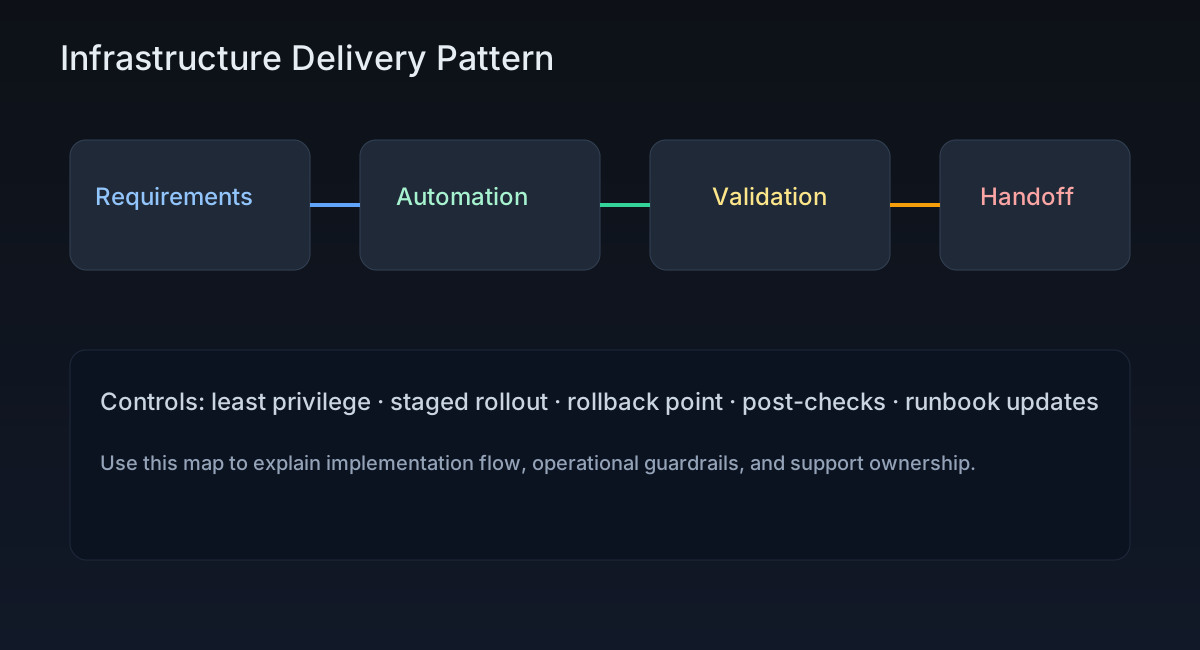
This diagram supports PostgreSQL WAL Archiving and SELinux Conflicts and highlights where controls, validation, and ownership boundaries sit in the workflow.
Post-Specific Engineering Lens
For this post, the primary objective is: Harden service integration points and reduce operational surprises.
Implementation decisions for this case
- Chose a staged approach centered on postgresql to avoid high-blast-radius rollouts.
- Used selinux checkpoints to make regressions observable before full rollout.
- Treated database documentation as part of delivery, not a post-task artifact.
Practical command path
These are representative execution checkpoints relevant to this post:
systemctl status <service>
ss -tulpn
journalctl -u <service> -n 200 --no-pager
Validation Matrix
| Validation goal | What to baseline | What confirms success |
|---|---|---|
| Functional stability | service availability, package state, SELinux/firewall posture | systemctl --failed stays empty |
| Operational safety | rollback ownership + change window | journalctl -p err -b has no new regressions |
| Production readiness | monitoring visibility and handoff notes | critical endpoint checks pass from at least two network zones |
Failure Modes and Mitigations
| Failure mode | Why it appears in this type of work | Mitigation used in this post pattern |
|---|---|---|
| Auth or trust mismatch | Service looks up but rejects real traffic | Validate identity chain and clock/DNS assumptions |
| Policy-control conflict | SELinux/firewall blocks valid paths | Capture allow-list requirements before rollout |
| Partial restart strategy | Config is applied but not activated safely | Use staged restart with health gates |
Recruiter-Readable Impact Summary
- Scope: deliver Linux platform changes with controlled blast radius.
- Execution quality: guarded by staged checks and explicit rollback triggers.
- Outcome signal: repeatable implementation that can be handed over without hidden steps.