Situation
Server provisioning in an enterprise environment involves multiple systems and stakeholders:
- VM Team: Deploys the virtual machine from template
- Linux Team: Configures the OS, joins AD, creates users
- Application Team: Deploys their software
- Security Team: Validates compliance
When I started, the process was fragmented. Requests came via ServiceNow tickets, steps were tracked in notepads, and handoffs happened via email with inconsistent information.
The Provisioning Checklist
Phase 1: Pre-Provisioning
Active Directory Groups (via PowerShell on management server):
# Create server groups
.\createServerGroups_v2.ps1 -ServerName dldc0app001 -Owner SKESSEL -OwnerProxy jdoe -Env DEV -OsType LINUX

# Create DA (Delegated Admin) groups for technical users
.\createServerGroups_v2.ps1 -ServerName dldc0app001 -Owner SKESSEL -OwnerProxy jdoe -Env DEV -OsType LINUX -DAUser t_t_app
This creates:
LA_GEDEDC_DLDC0APP001(Login Access)RA_GEDEDC_DLDC0APP001(Root Access)DA_GEDEDC_DLDC0APP001_SUDO_t_t_app(Delegated Admin for technical user)
Record in host_vars:
# inventory/dev/host_vars/dldc0app001.yml
---
hostname: dldc0app001
environment: dev
required_roles:
  - common_usersetup
  - common_filesystems
  - common_rh9
  - common_customization

unix_local_users:
  t_t_app:
    uid: 45004
    gid: 45004
    groups: [t_t_app]
    shell: /bin/bash
Phase 2: Base Configuration
Run common roles via Ansible:
ansible-playbook -i inventory/dev/ playbooks/rh9-install.yml \
  --limit='dldc0app001' \
  -t common_usersetup,common_filesystems,common_rh9,common_customization
This applies:
- User/group creation with consistent UIDs/GIDs
- Filesystem mounts (LVM, NFS, CIFS as needed)
- RHEL 9 base configuration
- Custom organization settings
Key configuration points:
/apppartition for application data- SELinux enforcing with proper contexts
- Systemd mount units for network filesystems
- Technical users with never-expire passwords
Phase 3: Application-Specific Setup
PostgreSQL Example:
# Deploy PostgreSQL requirements
ansible-playbook -i inventory/dev/ playbooks/app_postgresql_requirements.yml \
  --limit='dldc0dbps001d'
Post-deployment configuration:
# Configure WAL archiving
vim /pgdata/data/postgresql.conf
# archive_mode = on
# archive_command = 'test -f /pgdata/data/archive/%f || cp %p /pgdata/data/archive/%f'

# SELinux context for archive directory
semanage fcontext -a -t postgresql_db_t "/pg_archive(/.*)?"
restorecon -Rv /pg_archive
SAS Example (requires silent installation):
- Generate response file from SAS Deployment Wizard
- Run silent install via Ansible:
/path/to/sas_depot/setup.sh -silent -responsefile /path/to/response.properties -skiposlevelcheckOracle Client Example:
# Add to host_vars
required_roles:
  - app_ora_client
ansible-playbook -i inventory/dev/ playbooks/rh9-install.yml \
--limit='dldc0app001' \
-t app_ora_clientPhase 4: Handoff Documentation
Email template:
Subject: Server DLDC0APP001 Ready for Application Deployment

Hi [Application Team],

The server has been deployed. You will find it in Omada under UNIX [DEV] System.

Access:
- LA_GEDEDC_DLDC0APP001 (Login Access)
- RA_GEDEDC_DLDC0APP001 (Root Access)
- DA_GEDEDC_DLDC0APP001_SUDO_t_t_app (Switch to technical user)

Technical Users:
- t_t_app (UID: 45004)

Filesystems:
- /app (100GB, LVM)
- /mnt/nfs_share (NFS mount to storage)

Next Steps:
1. Request access via Omada
2. Deploy application to /app
3. Contact Linux team for any additional configuration

Best Regards,
[Your Name]
IT Infrastructure Linux
Common Patterns
Technical User with AD Group Mapping
For applications requiring both local users and AD group membership:
- Create local user with specific UID/GID
- Create local group matching AD group GID
- Add AD group members to local group via
group_mapping
# host_vars
unix_local_groups:
  app_admins:
    gid: 40061

group_mapping:
  app_admins:
    ad_group: DA_GEDEDC_DLDC0APP001_SUDO_t_t_app
Adding Backup Interface
For database servers requiring backup network:
# host_vars
backup_interface:
  enabled: true
  ip: 192.0.2.100
  netmask: 255.255.255.0
SSL Certificate Deployment
For web-facing applications:
# Encrypt certificate files
ansible-vault encrypt files/certs/dldc0app001.key

# Deploy via playbook
ansible-playbook -i inventory/dev/ playbooks/ssl-deploy.yml \
  --limit='dldc0app001'
Troubleshooting Common Issues
User Can’t su to Technical User
Symptom: su - t_t_app fails with “Permission denied”
Cause: PAM configuration conflict, often with fingerprint service
Fix:
# Check PAM config
grep -r pam_fprintd /etc/pam.d/

# Modify su to use password-auth instead of system-auth
sed -i 's|substack system-auth|substack password-auth|' /etc/pam.d/su
NFS Mount Permission Denied
Symptom: Mount succeeds but access denied
Cause: Firewall blocking NFS ports or SELinux context
Fix:
# Check firewall
firewall-cmd --list-all

# Check SELinux context
ls -laZ /mnt/nfs_share

# If needed, set proper context
semanage fcontext -a -t nfs_t "/mnt/nfs_share(/.*)?"
restorecon -Rv /mnt/nfs_share
AD Group Not Resolving
Symptom: getent group DA_xxx returns nothing
Cause: Group not yet synchronized to local cache
Fix:
# Force AD lookup
id username@domain

# Check SSSD status
sssctl domain-status DOMAIN.LOCAL

# Clear cache if needed
sss_cache -E
systemctl restart sssd
Quick Reference
| Task | Command/Location |
|---|---|
| Create AD groups | PowerShell createServerGroups_v2.ps1 |
| Deploy base config | ansible-playbook rh9-install.yml -t common_* |
| Add technical user | Edit host_vars, run common_usersetup |
| Deploy PostgreSQL | app_postgresql_requirements.yml |
| Deploy Oracle client | Add app_ora_client to required_roles |
| SSL certificates | ansible-vault encrypt → deploy playbook |
Architecture Diagram
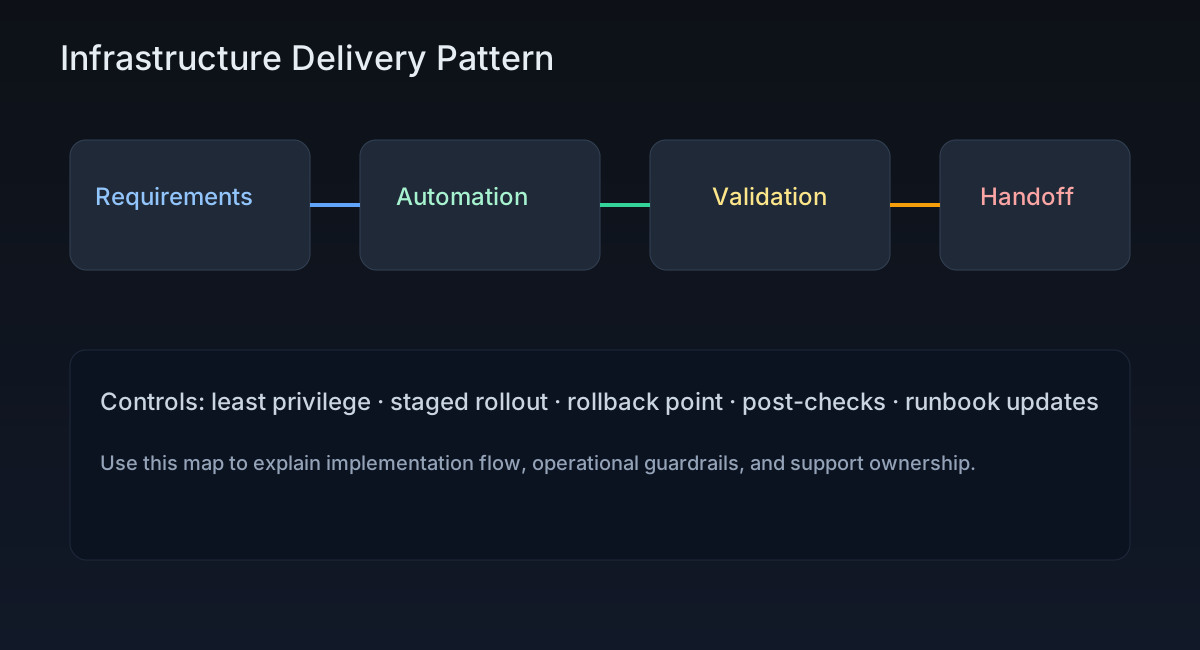
This diagram shows the provisioning flow from VM deployment through configuration to handoff.
Post-Specific Engineering Lens
For this post, the primary objective is: Standardize server provisioning for consistency and speed.
Implementation decisions for this case
- Separated provisioning into distinct phases with clear owners
- Used Ansible roles for reproducible configuration
- Created handoff templates for consistent communication
Practical command path
# Provisioning sequence
ansible-playbook -i inventory/dev/ playbooks/rh9-install.yml --limit='hostname' -t common_usersetup
ansible-playbook -i inventory/dev/ playbooks/rh9-install.yml --limit='hostname' -t common_rh9
ansible-playbook -i inventory/dev/ playbooks/rh9-install.yml --limit='hostname' -t common_filesystems

# Verification
systemctl --failed
journalctl -p err -b
Validation Matrix
| Validation goal | What to baseline | What confirms success |
|---|---|---|
| User access | AD group membership | getent group DA_xxx returns members |
| Filesystem mounts | Mount points configured | findmnt shows all expected mounts |
| SELinux | Enforcing mode | getenforce returns Enforcing |
| Services | No failed units | systemctl --failed empty |
Failure Modes and Mitigations
| Failure mode | Why it appears | Mitigation |
|---|---|---|
| Missing AD groups | PowerShell script not run | Pre-flight checklist verification |
| UID/GID conflicts | Manual user creation | Central user registry in Ansible |
| SELinux denials | Wrong file contexts | Run restorecon after file operations |
| Incomplete handoff | Missing documentation | Use standardized email template |
Recruiter-Readable Impact Summary
- Scope: End-to-end server provisioning in enterprise environment
- Execution quality: Phased approach with clear ownership
- Outcome signal: Reduced provisioning time, consistent configurations